Bill-wise outstanding: New Ref, Agst Ref, Advance, On Account and the Bills Receivable report
A customer's ledger tells you their total balance. It does not tell you which invoices are still unpaid, how old they are, or whether last week's ₹30,000 receipt settled invoice 101 or invoice 108. Bill-wise details answer those questions. TallyBook follows the TallyPrime method closely.
Switch it on
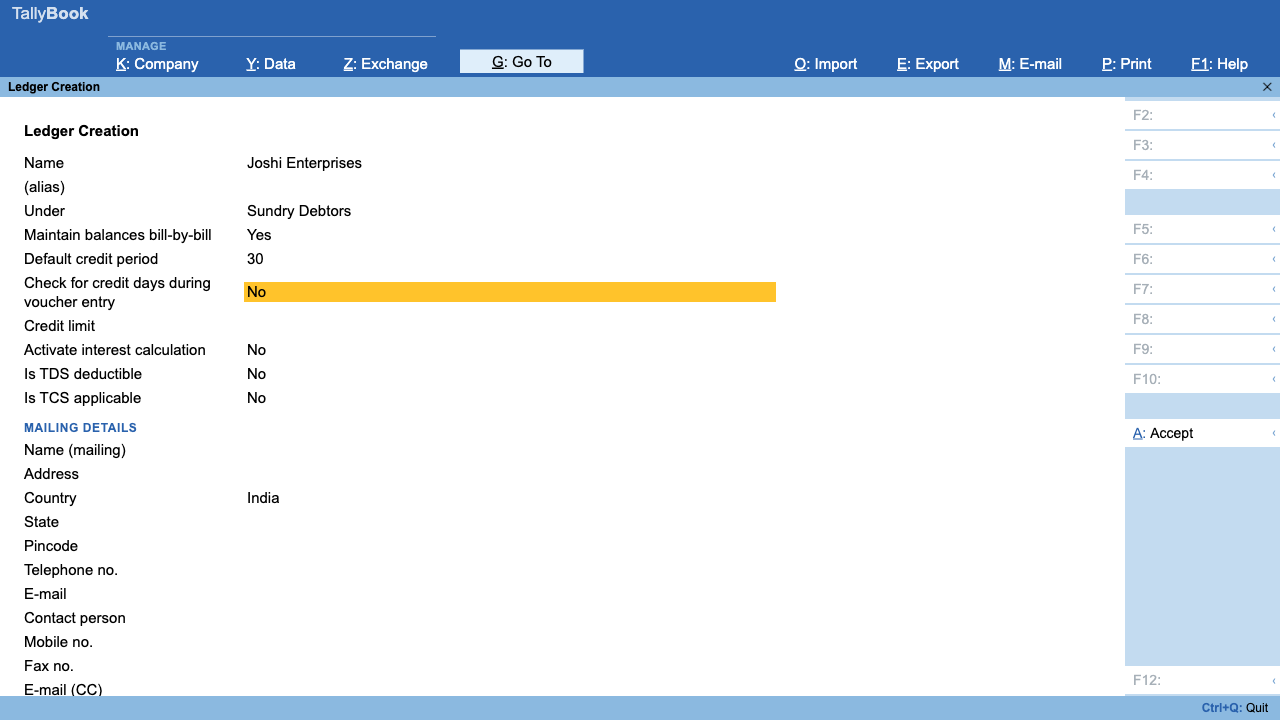
- Press F11 (Company Features) and set Maintain bill-wise details to Yes. Accept with Ctrl+A.
- Create or alter a ledger under Sundry Debtors or Sundry Creditors and set Maintain balances bill-by-bill to Yes.
- Optionally fill Default credit period (for example “30 Days”) and Credit limit for your own reference.
- Accept the ledger. From now on, every voucher that touches this party asks for bill-wise details.
The four types of reference
When you enter a Sales, Purchase, Receipt, Payment, Credit Note, Debit Note or Journal line for a bill-by-bill party, the Bill-wise Details screen opens. Each line has a type of reference, a name and an amount:
| Type of Ref | Use it for | Example |
|---|---|---|
| New Ref | A new bill: you raise an invoice, or a supplier bills you | Sales invoice INV-101 for ₹50,000 |
| Agst Ref | Money or a note against an existing bill | Receipt of ₹30,000 against INV-101 |
| Advance | Money before a bill exists, with a reference you can adjust later | ₹10,000 received with order PO-55 |
| On Account | Money you cannot link to a bill yet | ₹5,000 deposited with no remittance advice |
TallyBook picks a sensible default. For a customer, a debit (an invoice) starts as New Ref and a credit (a receipt) starts as Agst Ref. For Agst Ref, the name field lists the party's pending bills with their pending amounts, so you just choose one.
Two checks keep the allocation honest. The bill lines must add up exactly to the voucher amount; otherwise you see a message such as “Bill allocations (₹25,000.00) must equal ₹30,000.00”. And if you allocate less than the full amount, TallyBook adds a new On Account line for the balance, which you can change to another bill.
Credit period and due dates
The credit period is the number of days a party has to pay. In TallyBook you set a default on the ledger. The Bills Receivable and Bills Payable reports show a Due on date and an Overdue (days) count, in red, for every bill that carries a due date.
Since version 0.2.0 the Bill-wise Details screen has a Due Date, or Credit Days column. It starts with the ledger's default credit period, and you can type a number of days or a date for that bill. If the ledger has Check for credit days set, TallyBook enforces that limit during entry. Opening bills imported from Tally XML keep their due dates too.
The Bills Receivable and Bills Payable reports
There are two ways to open them:
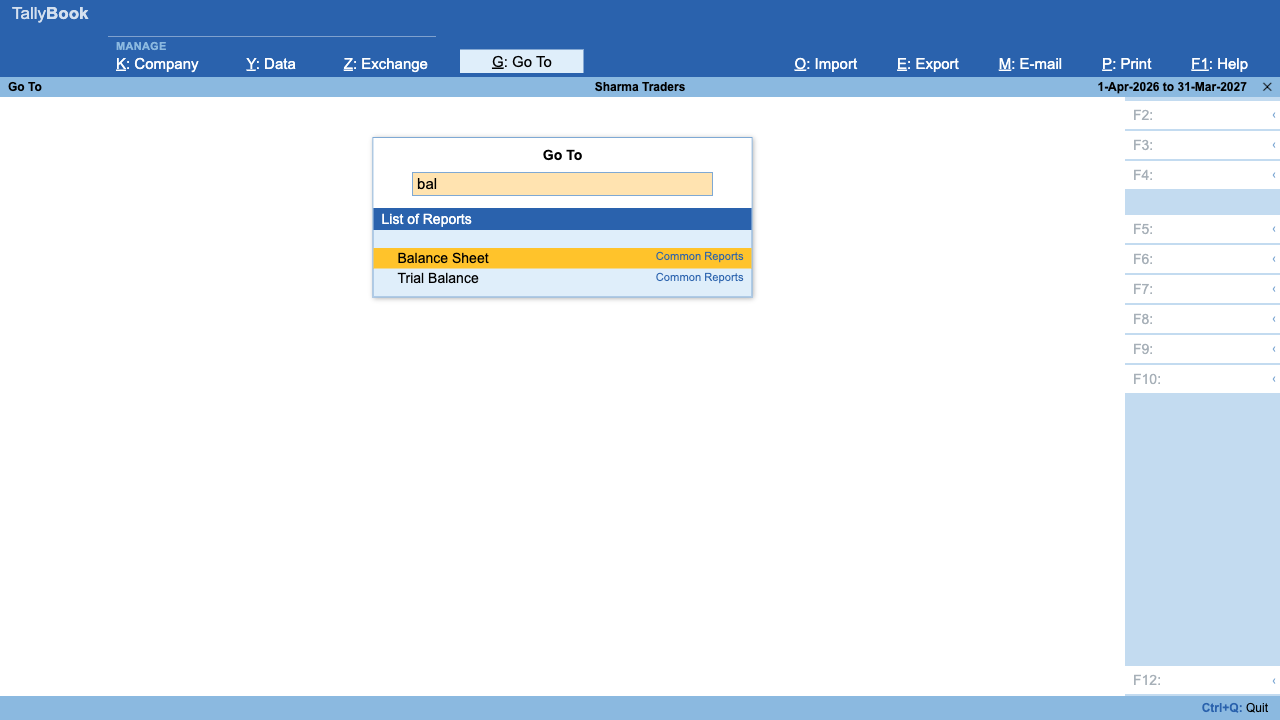
- Alt+G (Go To), then type “Bills Receivable” or “Bills Payable”.
- Gateway of Tally › Display More Reports › Statements of Accounts › Receivables (R) or Payables (P).
Each party appears in bold with its total, followed by its open bills: reference number, bill date, due date, overdue days and pending amount. Any unlinked balance shows as a separate On Account line. Press Enter on a party to open its ledger, and Alt+F2 to see what was outstanding as on another date.
Ageing: how old are my dues?
Ageing groups pending bills by how long they have been outstanding, so you chase the oldest money first. Since version 0.1.5 TallyBook shows this directly:
- Open Bills Receivable or Bills Payable as on the date you want (Alt+F2).
- Press F12 and turn on the ageing columns: 0–30, 30–60, 60–90 and over 90 days.
- Need it in a spreadsheet? Press Ctrl+E to export what is on screen as a CSV file.
Good habits
- Always use the party's own invoice number for purchases, so your Agst Ref matches their statement.
- Clear On Account amounts every month by altering the receipt and linking it to the right bill.
- Settle advances as soon as the bill is made, with an Agst Ref line against the advance's reference.
Related: charging interest on overdue bills, which voucher to use and bank reconciliation.
Frequently asked questions
What is the difference between Advance and On Account?
Advance is money received or paid before the bill exists, usually for a known order, and you give it a reference so you can adjust it later. On Account is money you cannot yet link to any bill. Both reduce the party's balance, but neither settles a specific bill.
Why does a party show On Account in Bills Receivable?
Part of the party's balance is not linked to any open bill, usually a receipt entered On Account. Alter that receipt, change the line to Agst Ref and pick the bill it was meant for.
Does TallyBook show ageing buckets like 0–30 and 31–60 days?
Yes. In Bills Receivable or Bills Payable, press F12 and turn on ageing to add columns for 0–30, 30–60, 60–90 and over 90 days. Each bill also shows its bill date, due date, overdue days and pending amount.
Can I enter opening bills for old customers?
Yes. Opening bill-wise breakups come in through opening vouchers or a Tally XML import, which also brings each bill's due date.
TallyBook is not affiliated with Tally Solutions Pvt. Ltd. TallyPrime is a trademark of its owner.