Batch-wise stock, expiry and price levels in TallyBook
Medicines, packaged food, paints, chemicals and cosmetics are bought and sold in batches, each with its own manufacturing and expiry dates. Wholesalers also sell the same item at different prices to retailers, dealers and walk-in buyers. Since version 0.2.0 TallyBook asks for batches in vouchers and fills invoice rates from price levels. This guide covers both, and is clear about what to handle yourself.
Part 1: batch-wise stock
- Press F11 and set Maintain batches to Yes (inventory must be on).
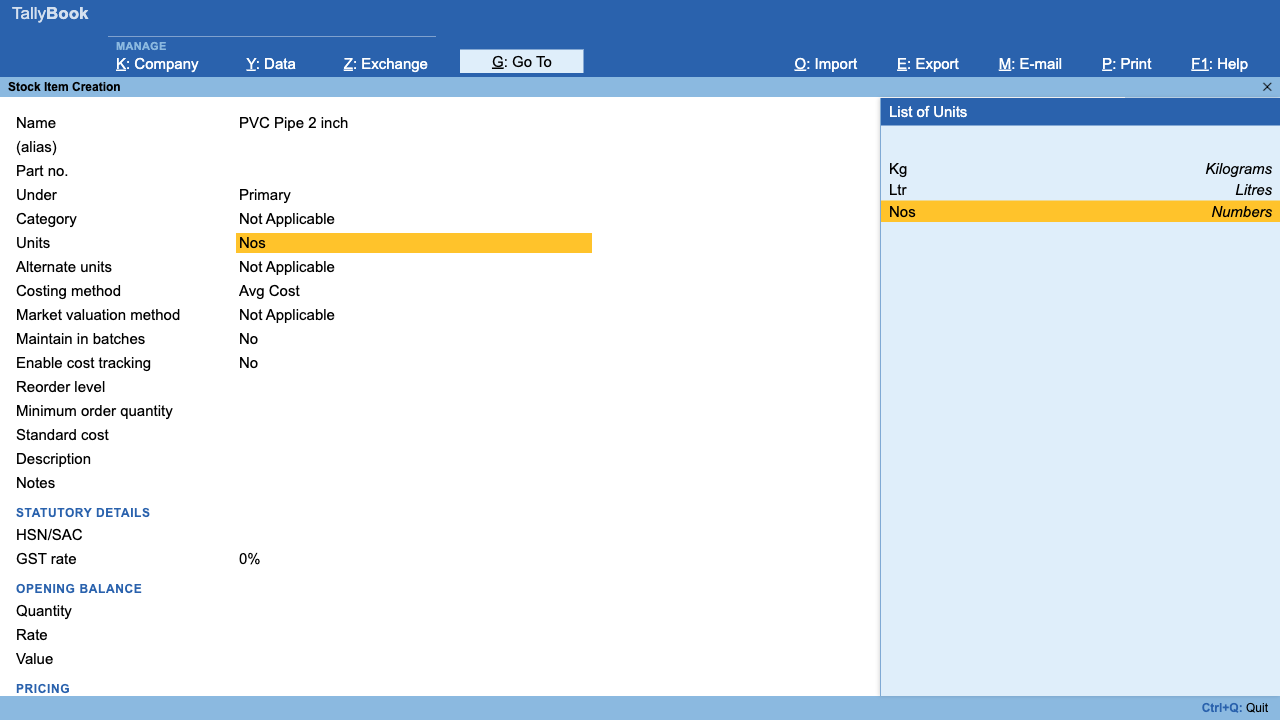
- For each item you track by batch, open the stock item and set Maintain in batches to Yes. Items you do not track by batch stay as they are.
- When you enter a Purchase invoice or Receipt Note for that item, TallyBook asks for the batch allocation: which batch, how many and at what rate.
- When you sell, the Sales invoice or Delivery Note asks which batch the goods come from. Rejections and Stock Journals ask too.
Open the Batch Summary (Alt+G, then type "Batch") to see the quantity and value left in each batch. Each batch is valued by its own share of the voucher line.
Expiry: selling the oldest stock first
For goods that expire, the safe habit is first expiry, first out: always sell from the batch that expires soonest, and check regularly for batches close to expiry so you can return, discount or write them off in time.
- Name batches so the expiry is visible when you pick them, for example
B2417 EXP 03-2027. You then see the expiry in the batch list on every invoice. - Review the Batch Summary every month and note batches that expire within the next 60 or 90 days.
- Write off expired stock with a Stock Journal (or Physical Stock entry) so your closing stock value stays honest, after checking the accounting and GST treatment with your CA.
Part 2: price levels
A price level is a named price list, such as Wholesale, Retail or Dealer. You attach one to each customer, and TallyBook uses it when you bill that customer.
- Press F11 and set Enable multiple price levels to Yes.
- Set up the price lists for each level: the rate and any discount for each item.
- On each customer ledger, set Price level applicable to the right level.
- On a Sales invoice to that customer, choose the item and type the quantity. TallyBook fills in the rate and discount from that customer's price level. You can still overwrite them for a one-off deal.
| Customer | Price level | Item: Paint 1 L (example) |
|---|---|---|
| Walk-in buyer | Retail | ₹420, no discount |
| Kumar Hardware | Wholesale | ₹380, 2% discount |
| Shree Dealers | Dealer | ₹360, 5% discount |
The amounts are only an illustration. GST is worked out on the discounted value as usual; see creating a GST invoice.
Good habits
- Update price lists on the day prices change, not when the first complaint arrives.
- Keep the number of levels small; three or four are usually enough.
- Use the same batch numbers as the supplier's invoice, so a recall or complaint can be traced quickly.
Batches are not available on manufacturing lines yet; see manufacturing in TallyBook.
Frequently asked questions
Do I have to use batches for every item?
No. Turn on Maintain batches in F11, then set Maintain in batches to Yes only on the items you want to track by batch.
Which vouchers ask for batches?
Sales and Purchase invoices, Delivery and Receipt Notes, Rejections In and Out, and Stock Journals, for items kept in batches.
Does TallyBook warn me before a batch expires?
This guide does not rely on automatic expiry alerts. Put the expiry in the batch name and review the Batch Summary every month.
Can I change the rate that a price level fills in?
Yes. The rate and discount from the price level are filled in after the quantity, and you can overwrite them on the invoice.
Can I use batches in the Manufacturing Journal?
Not yet. Batches and alternate units are not available on manufacturing lines.
Related: Inventory vouchers · GST invoices
TallyBook is an independent product made by Techardent Labs and is not affiliated with, endorsed by or connected to Tally Solutions Pvt. Ltd. TallyPrime and Tally are trademarks of their owner. Tax rules change often; confirm current rates, limits and due dates on the official portals or with your Chartered Accountant.