TDS on payments in TallyBook: setup, deduction, challans and Form 26Q summary
TDS means you pay the party a little less than the bill and deposit the difference with the government in their name. The bookkeeping has three parts: deduct at the right rate, deposit it with a challan, and report it every quarter. TallyBook helps with all three inside your normal vouchers.
1. Turn TDS on and review the natures
Press F11 and set Enable Tax Deducted at Source (TDS) to Yes. Then Gateway → Create → TDS Nature of Payments. TallyBook starts you with common natures:
| Nature of payment | Section under the 1961 Act (payments up to 31 March 2026) |
|---|---|
| Payments to Contractors | 194C |
| Commission or Brokerage | 194H |
| Rent of Land, Building or Furniture; Rent of Plant & Machinery | 194I |
| Fees for Professional Services; Fees for Technical Services | 194J |
| Interest from an Indian company | 194A |
| Purchase of Goods | 194Q |
From 1 April 2026 the Income-tax Act, 2025 replaces the 1961 Act, and TDS on payments to residents sits in the tables of section 393 instead of separate 194 sections. Since version 0.2.0 each nature in TallyBook carries both: vouchers dated from 1 April 2026 use the new section (for example 393(1) Sl. No. 6(i)) and its rates, while earlier vouchers keep the 1961 section. See TDS under the Income-tax Act, 2025 for what changed.
Each nature holds a rate for individuals/HUF and for others, with and without PAN, and a Threshold/exemption limit. These are default values to review, not advice. Rates and thresholds change through Finance Acts, so check each nature against incometax.gov.in or with your CA and edit it before your first deduction.
2. Set up the party
- On the party's ledger (Sundry Creditors, for example) set Is TDS deductible to Yes and fill PAN/IT No..
- Save, then open it again (Alter → Ledger) and press F7 for TDS Statutory Details: Deductee type, Default nature of payment, and, if the party has a certificate, Deduct TDS at lower/zero rate with the rate and certificate number.
3. Deduct while entering the bill
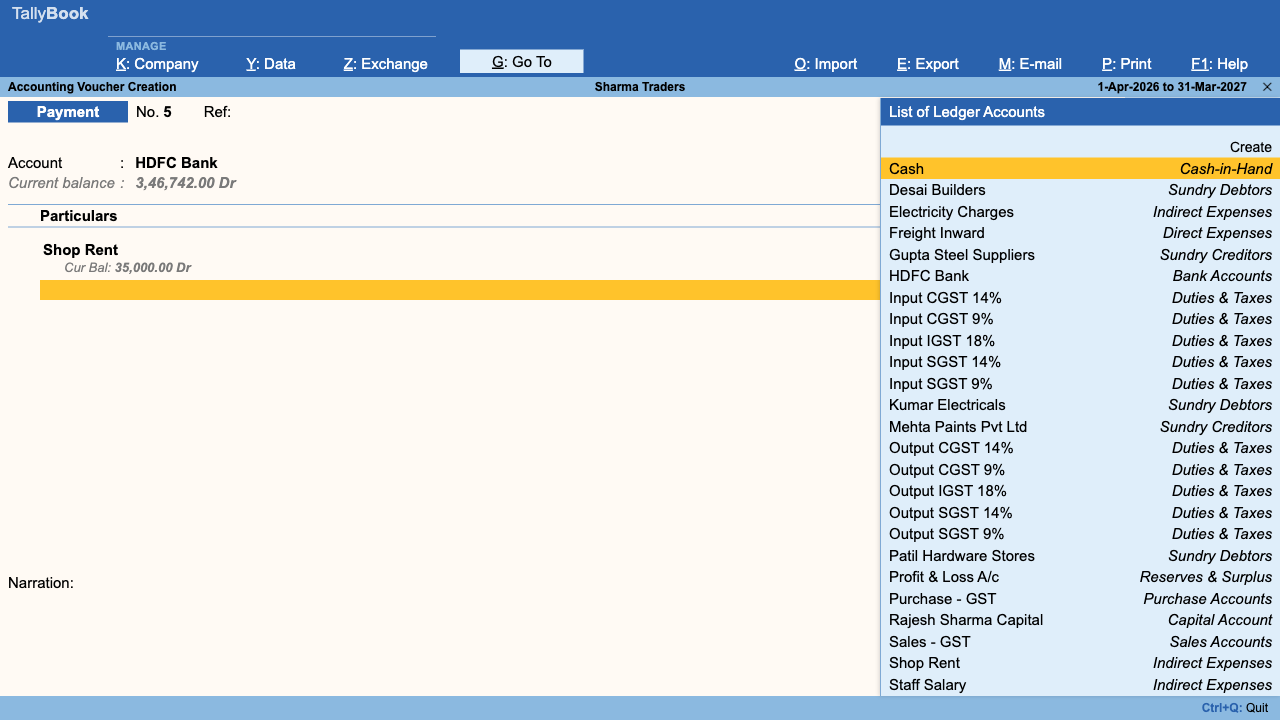
Enter a Purchase, Journal or Payment to that party as usual and press Ctrl+A. Before saving, TallyBook opens TDS Details with the nature of payment pre-selected. It shows the assessable value, taxable value, TDS rate, section, any surcharge or cess, and the TDS amount. If the party is below the threshold it says so and deducts nothing. Accept with Ctrl+A.
Example: a professional's bill of ₹50,000 booked as a Journal, with an illustrative rate of 10% set on the nature:
| Ledger | Debit | Credit |
|---|---|---|
| Professional Fees | ₹50,000 | |
| Party (Sundry Creditor) | ₹45,000 | |
| TDS duty ledger | ₹5,000 |
TallyBook reduces the party's credit by the TDS and credits a TDS duty ledger, creating that ledger for you if one does not exist. If you alter the voucher later, TDS Details opens again with the earlier deduction filled in, so you can correct it.
4. Pay, reconcile and report
Display More Reports → Statutory Reports → TDS Reports:
- TDS Outstandings: what has been deducted but not yet paid. Alt+E exports CSV.
- TDS Payment: lists pending deductions with their due date. Press Space on each one you are paying, then Ctrl+A (Pay). Enter Date, Bank Name, Cheque/DD No., BSR Code, Challan No., Challan Date and Branch. TallyBook creates the payment voucher.
- Challan Reconciliation: F8 toggles pending and all; Alt+R records the BSR code, challan number and date once you have the challan.
- Form 26Q (titled Form 140 for 2026-27): every deduction for the period with deductee, PAN (PANNOTAVBL when missing), section, amount paid, rate, tax, amount deposited and challan details. Alt+E exports CSV.
Frequently asked questions
Are the TDS rates in TallyBook up to date?
They are starting defaults. Review each nature of payment against current rules on incometax.gov.in or with your CA and edit the rates and thresholds before use.
Which vouchers trigger TDS?
Payment, Purchase and Journal vouchers that include a party marked Is TDS deductible, when TDS is enabled in F11. TDS Details opens when you create the voucher and again when you alter it.
What if the party has a lower deduction certificate?
Alter the party ledger, press F7 and set Deduct TDS at lower/zero rate with the certificate rate and number.
Can TallyBook file my TDS return?
No. It gives a quarterly summary (Form 26Q, titled Form 140 for 2026-27) and CSV export to help you or your CA prepare the return in the official utility.
Related: Payroll, PF and ESI · Bank reconciliation
TallyBook is an independent product made by Techardent Labs and is not affiliated with, endorsed by or connected to Tally Solutions Pvt. Ltd. TallyPrime and Tally are trademarks of their owner. Tax rules change often; confirm current rates, limits and due dates on the official portals or with your Chartered Accountant.